FOR A VIDEO TUTORIAL OF THE DASHBOARD SECTION, PLEASE SCROLL DOWN.
1. Click on the Filters icon in the left navigation.
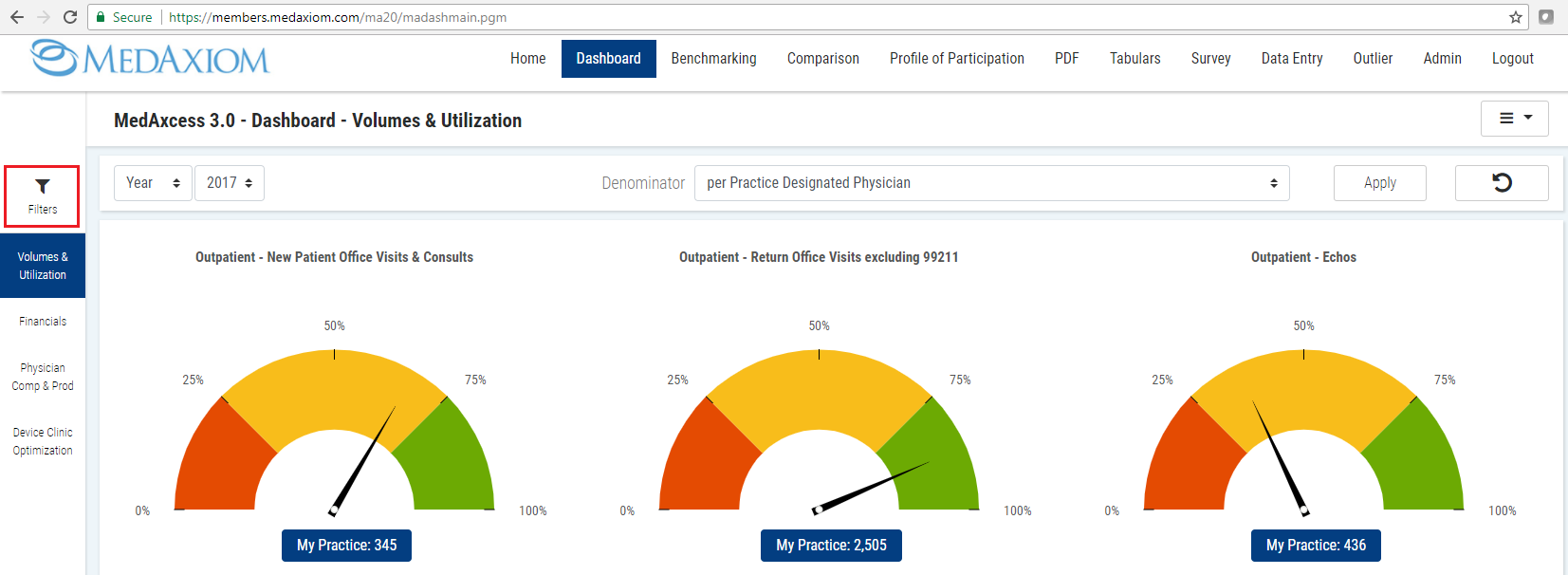
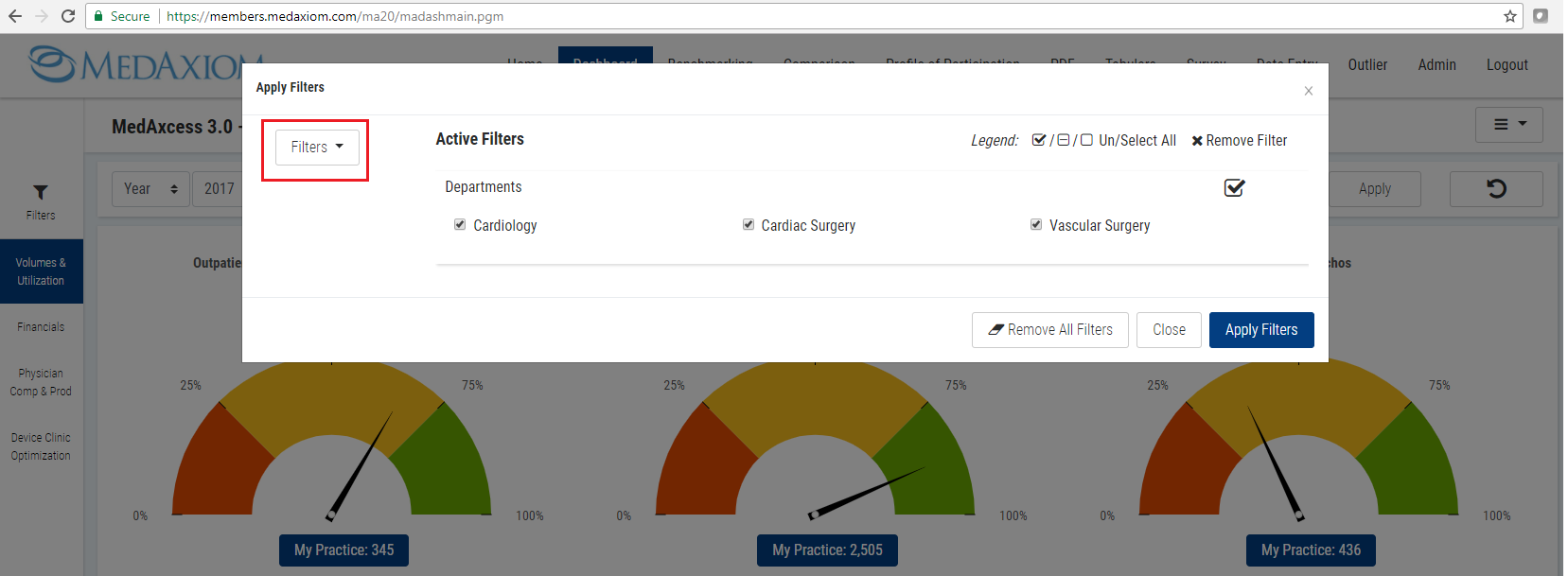
2. Click the Filters drop menu.
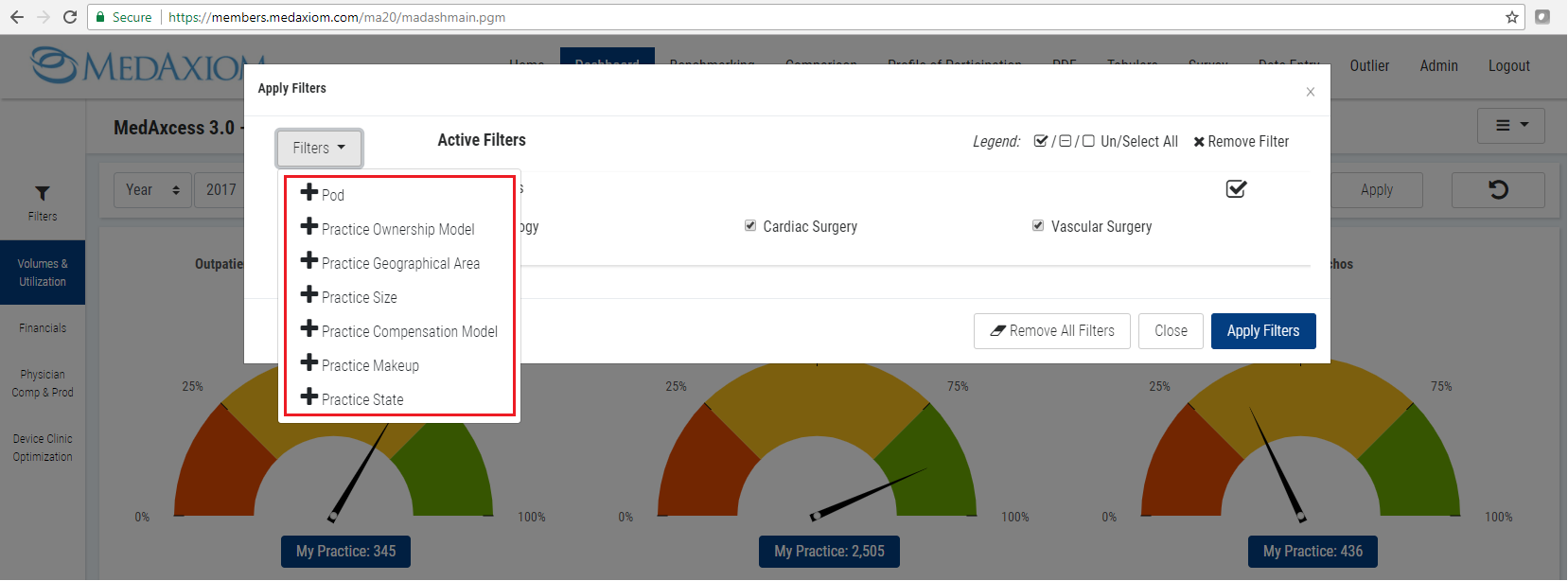
3. Click on your preferred filter(s) from the list; filters must be selected one at a time.
4. Click the Apply Filters button after you have chosen all your filter options.
DASHBOARD TAB VIDEO TUTORIAL: