FOR A VIDEO TUTORIAL OF THE COMPARISON SECTION, PLEASE SCROLL DOWN.
Note: The Quartile feature will be disabled unless all graphs are set to the same chart type. Only practices within your Pod are identified by name in the Pod Members table below the graphs.
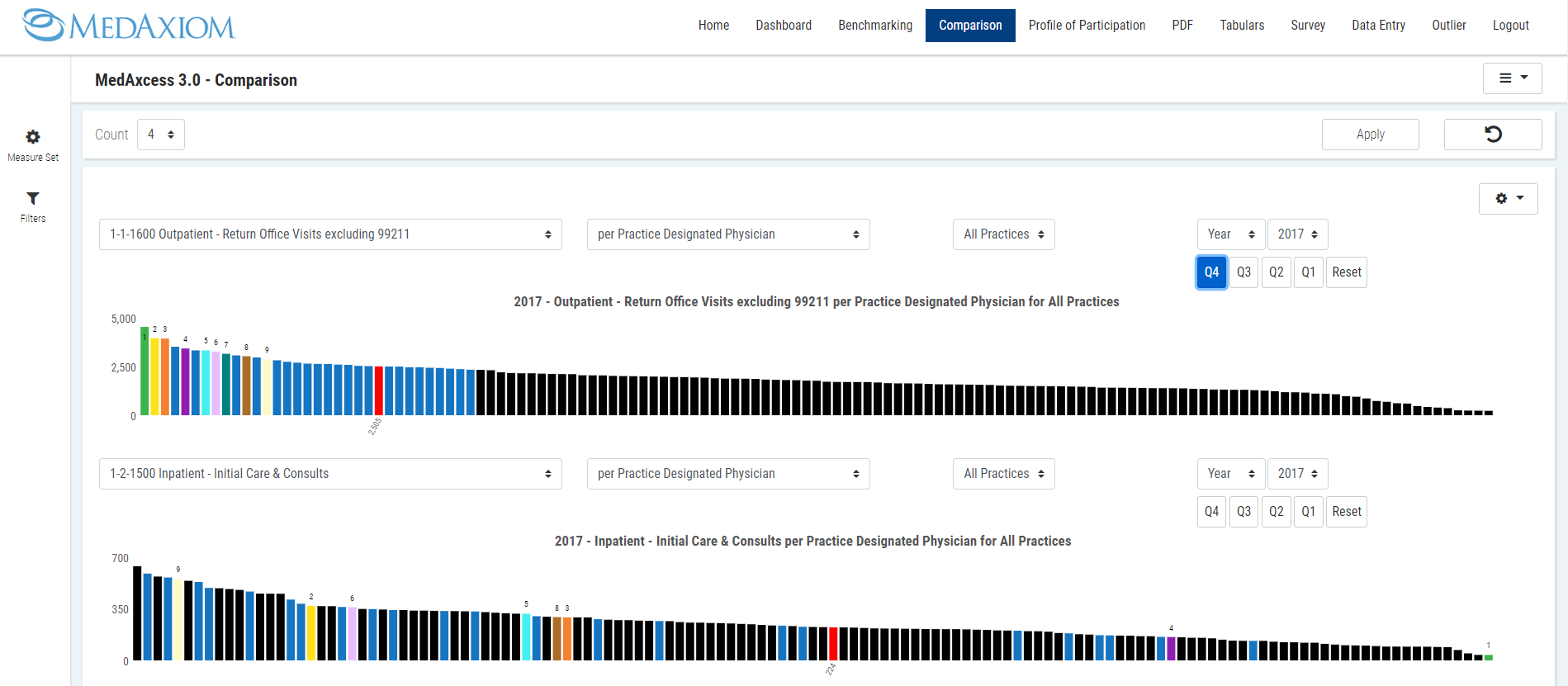
1. Click on the blue bars you want to identify in other measures displayed.
Note: Users can identify up to nine (9) bars.
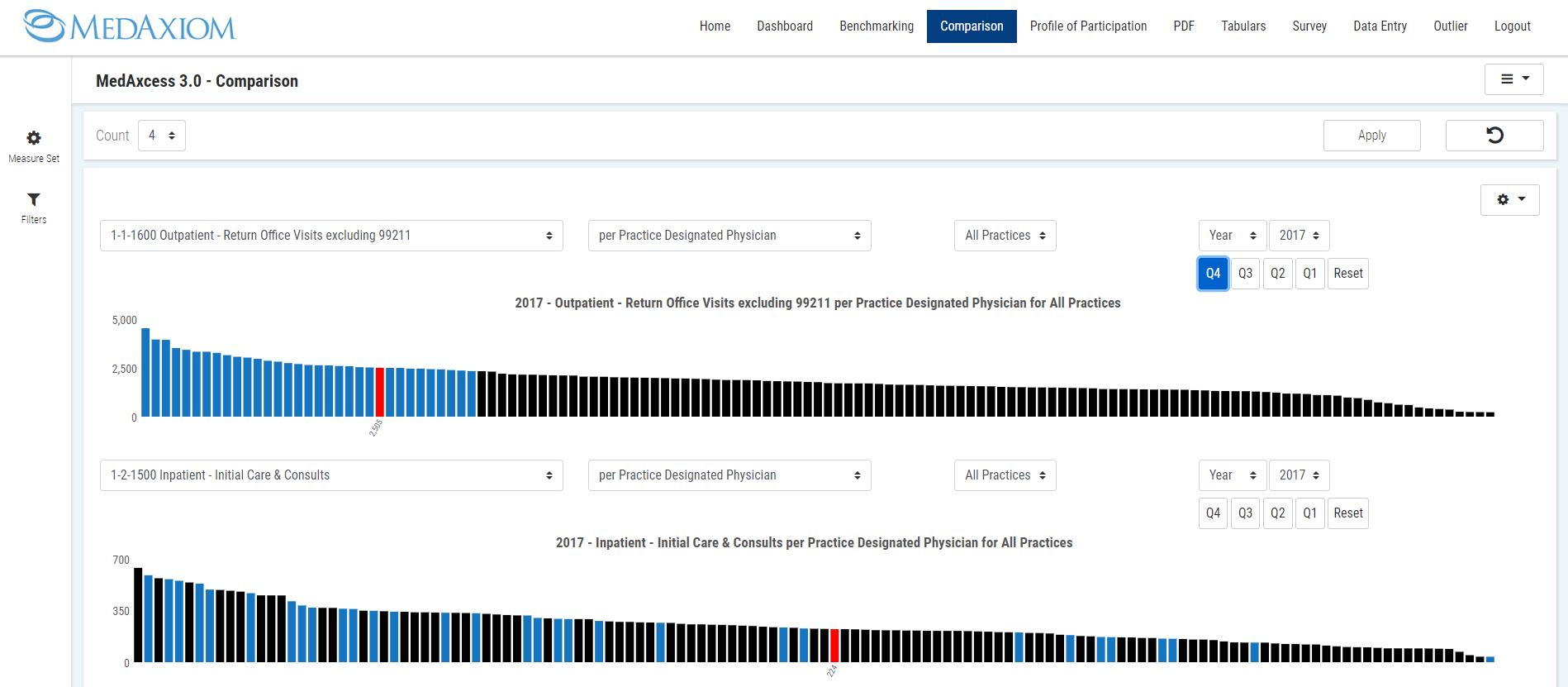
2. Click the Reset button to remove quartile settings for all graphs.
COMPARISON TAB VIDEO TUTORIAL: