1. Click on the Filters icon in the left navigation.

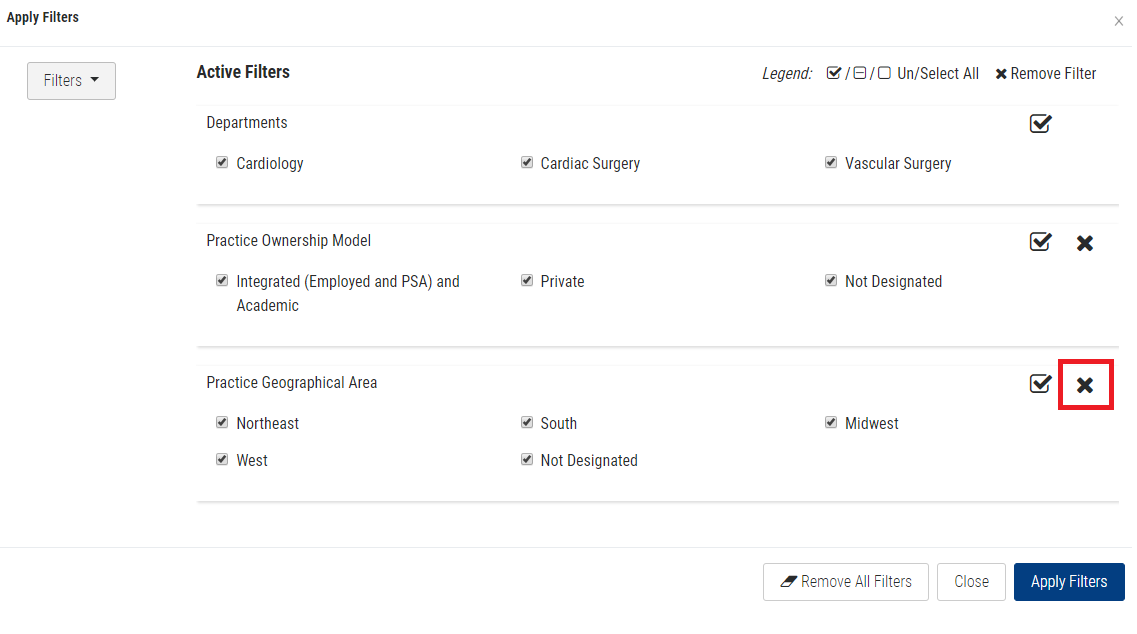
2. Click on the (X) next to the filter you want remove.
Note: Click the Remove All Filters button to remove all filters.
3. Click the Apply Filters button.
1. Click on the Filters icon in the left navigation.
2. Click on the (X) next to the filter you want remove.
Note: Click the Remove All Filters button to remove all filters.
3. Click the Apply Filters button.