1. Click the COG menu in the upper right corner.

2. Click the Generate Custom PDF option.

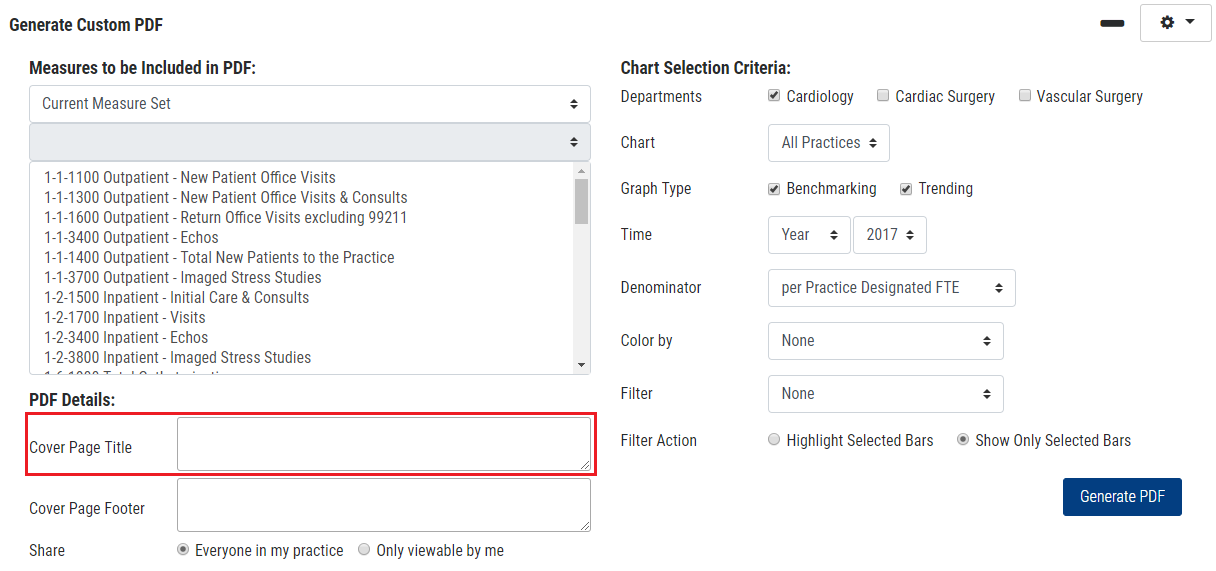
3. Enter your page title in the Cover Page Title input box.
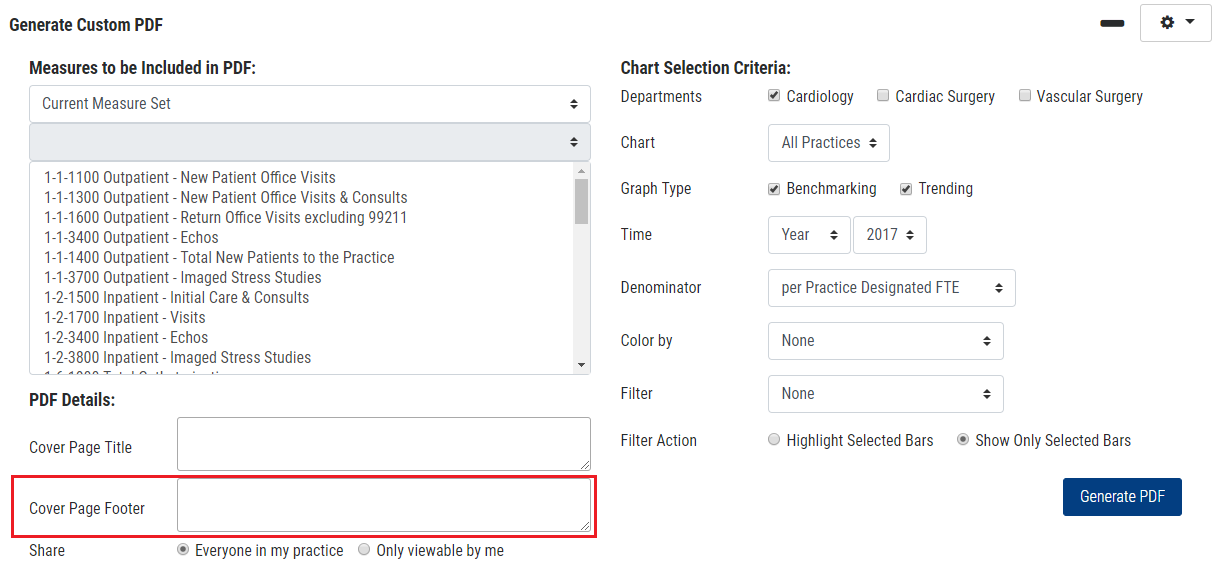
4. Enter your page footer in the Cover Page Footer
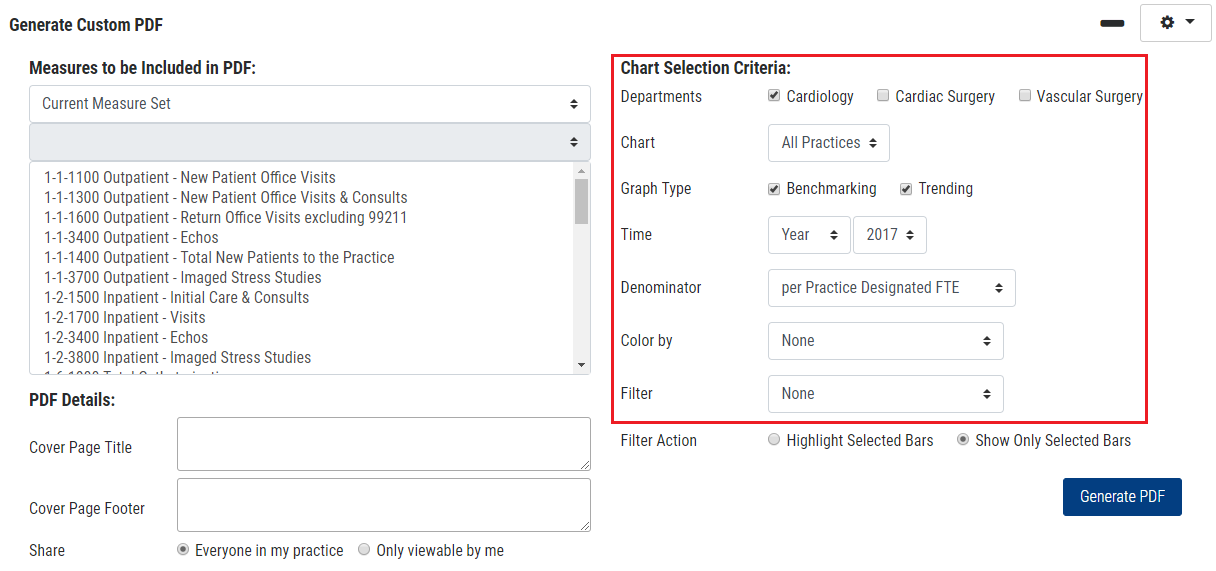
5. Select your desired Chart Selection Criteria (i.e. Denominator, Filter, or Color by).
6. Click the Generate PDF button.