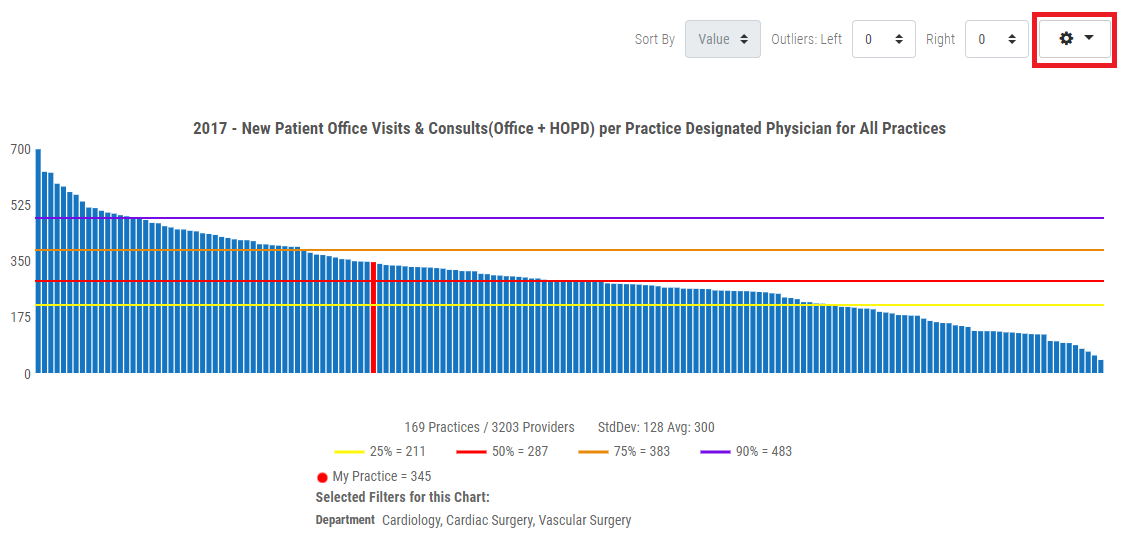
1. Click the Cog drop menu in the upper right corner of the benchmarking or trending graph.
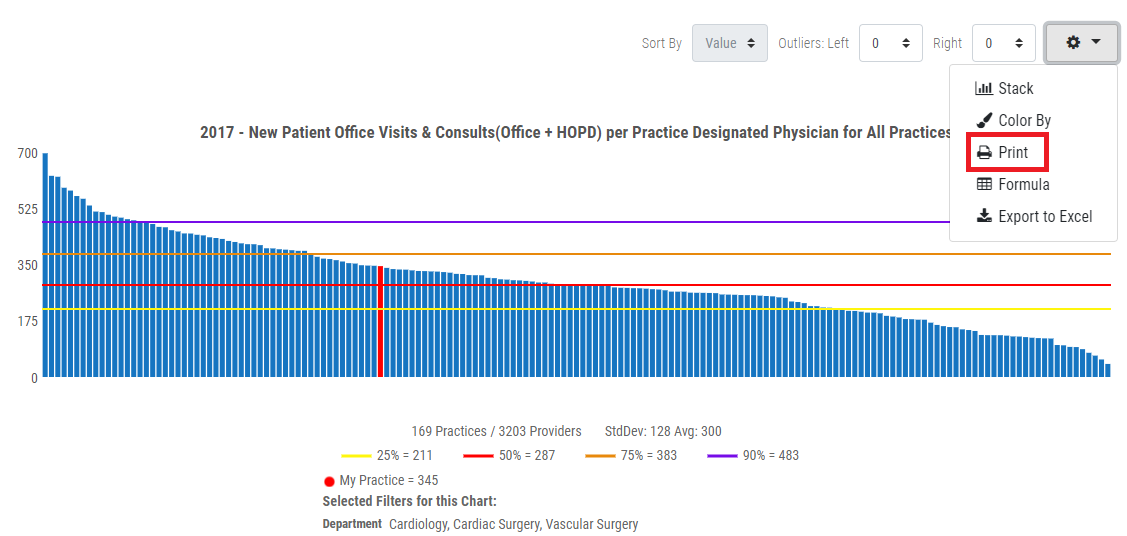
2. Click the Print option from the menu.
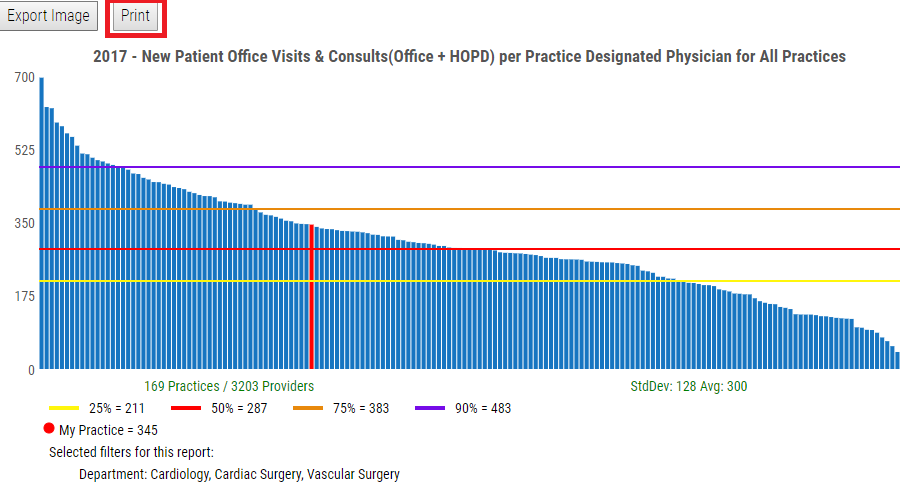
3. From print view page, click the Print button.
Note: You can also export the graph to an image by clicking the Export Image button from the print view page.