FOR A VIDEO TUTORIAL OF THE BENCHMARKING SECTION, PLEASE SCROLL DOWN.
1. Click on the Measure Set icon in the left navigation.

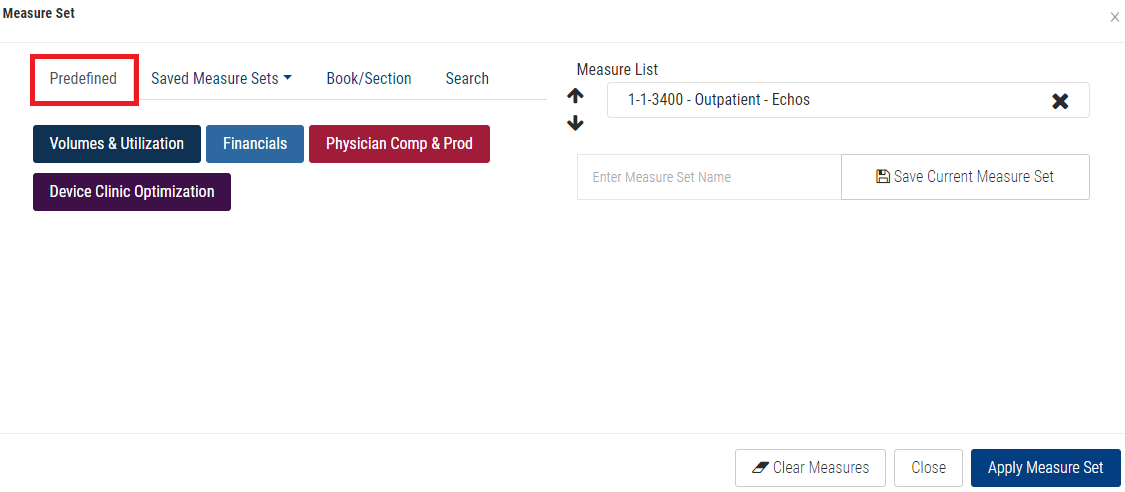
2. Click on the Predefined tab.
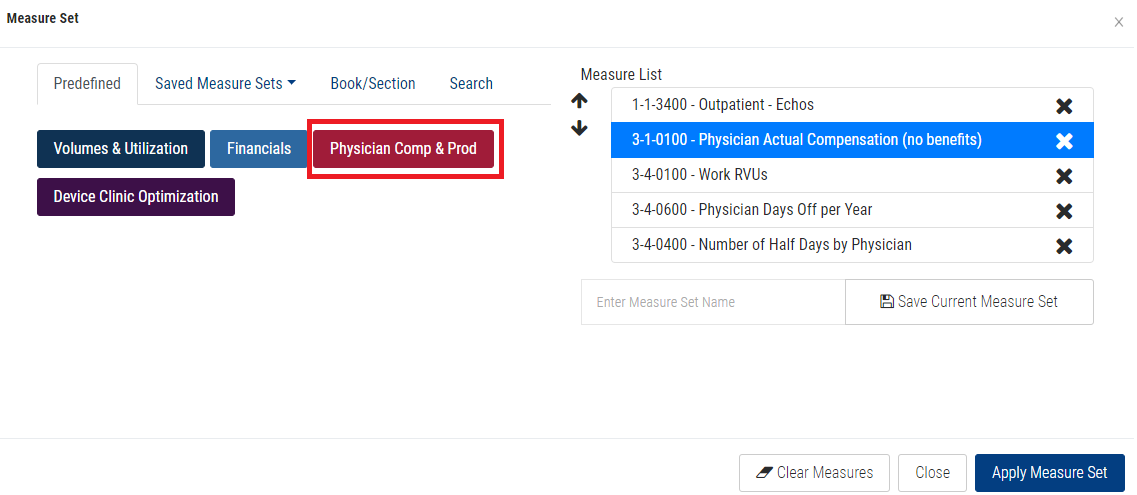
3. Click on a KPI button (Easy Button).
Note: All measures associated with the KPI button will be added to your Measure List.
4. Click the Apply Measure Set button.
BENCHMARKING TAB VIDEO TUTORIAL: