FOR A FULL VIDEO TUTORIAL OF THE BENCHMARKING SECTION, PLEASE SCROLL DOWN.
1. Click on the Measure Set icon in the left navigation.

2. Click on the Book/Section tab.
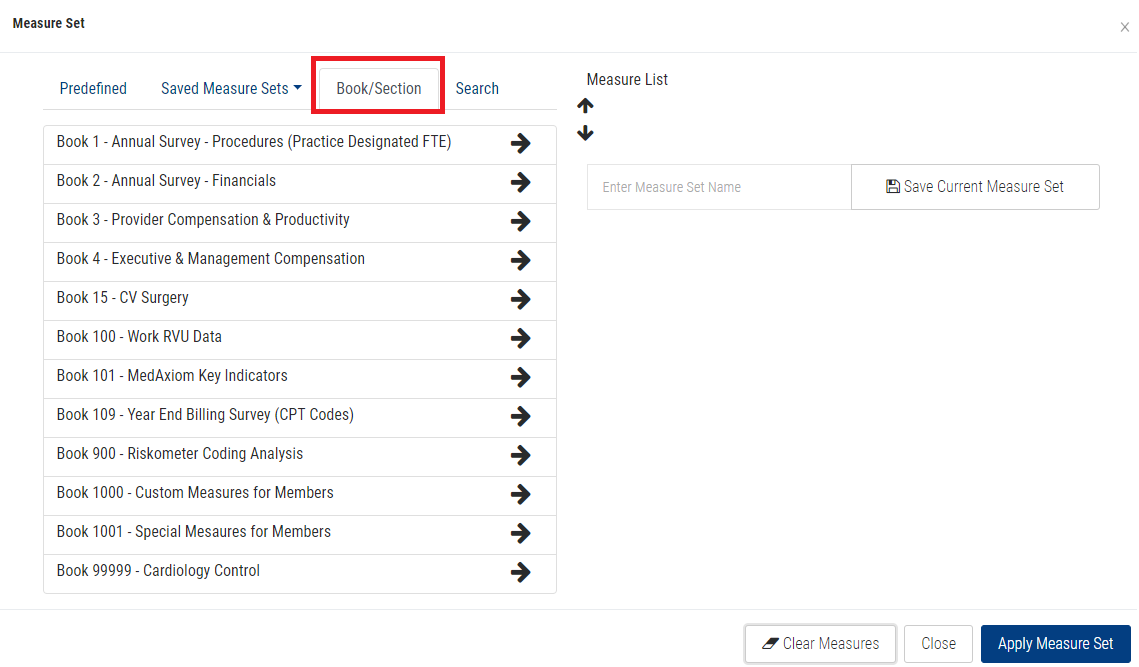
3. Click on your Book preference.
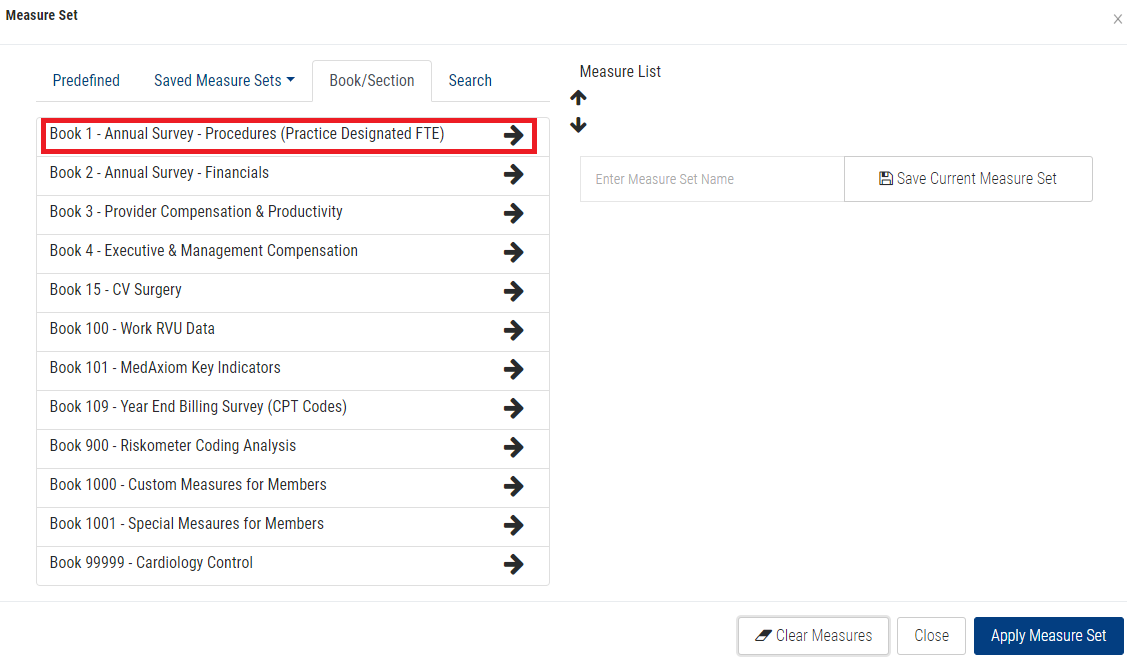
4. Click on your Section preference.
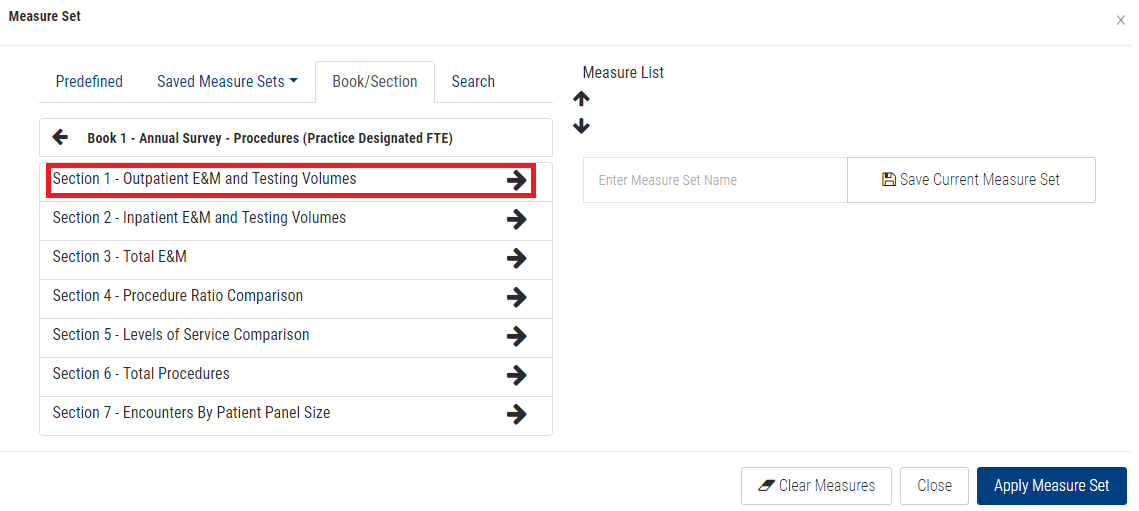
5. Click the checkbox next to each measure you want to add to your Measure List.
Note: Click the plus icon (+) next to the Section name to add all measures from a Section.
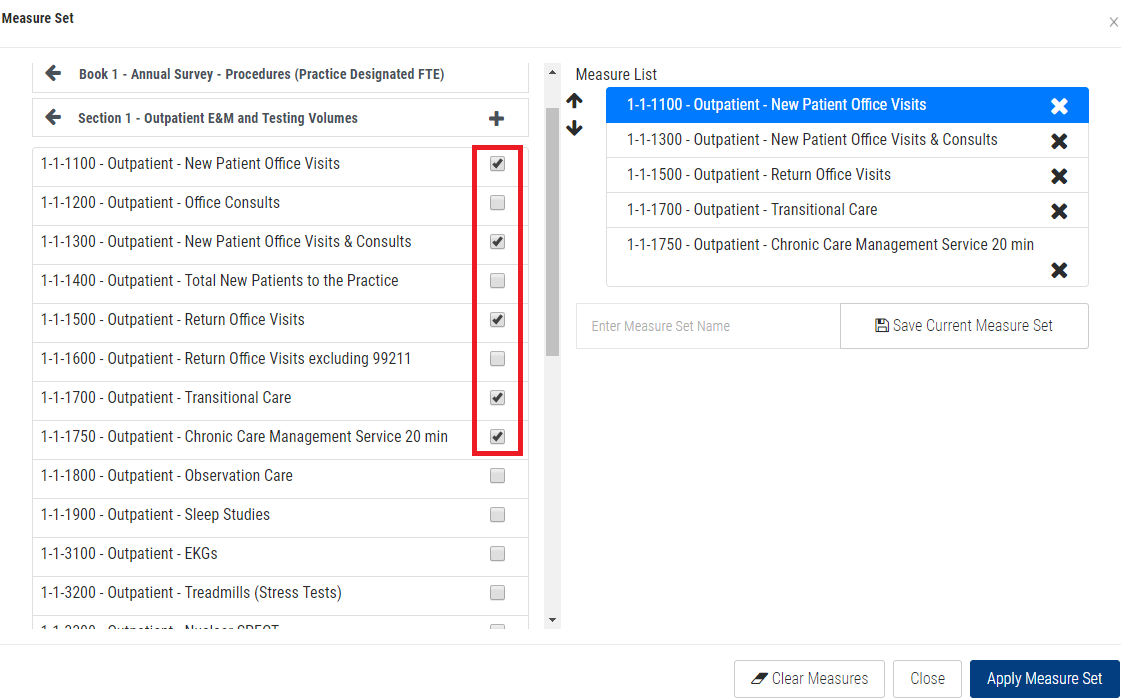
5. Click the Apply Measure Set button.
BENCHMARKING TAB VIDEO TUTORIAL: