FOR A FULL VIDEO TUTORIAL OF THE BENCHMARKING SECTION, PLEASE SCROLL DOWN.
1. Click on the Measure Set icon in the left navigation.

2. Click on the up/down arrows to change the measure order in the Measure List.
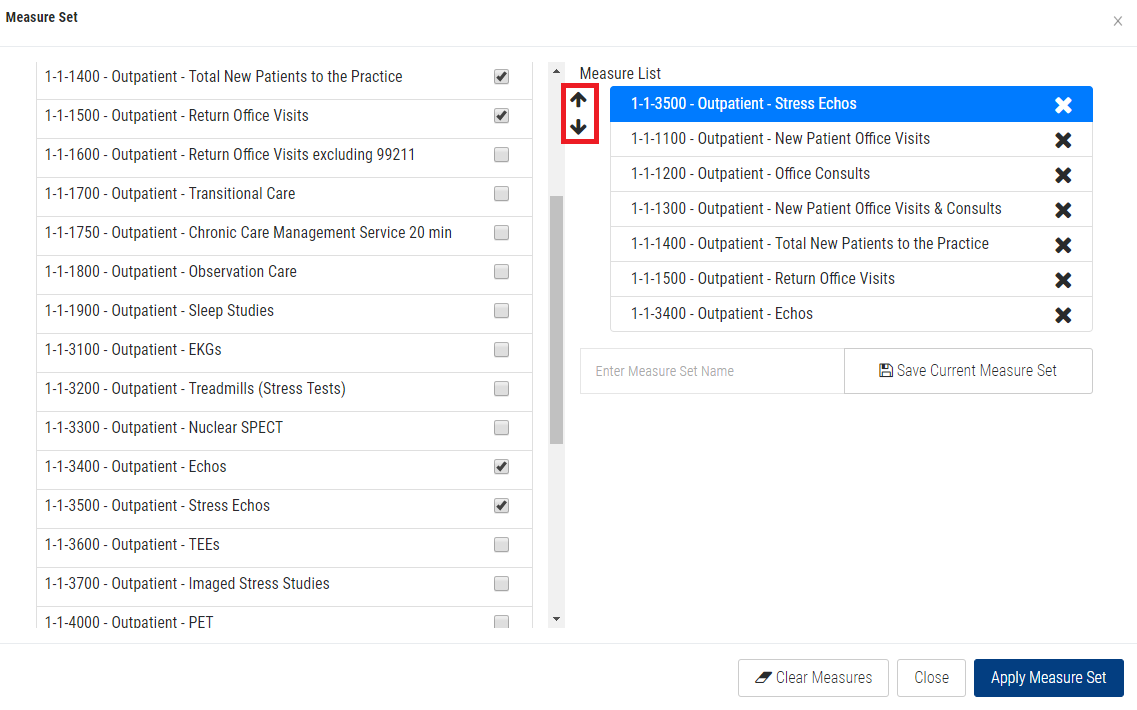
3. Click the Apply Measure Set button.
BENCHMARKING TAB VIDEO TUTORIAL: