1. Click on the Measure Set icon in the left navigation.

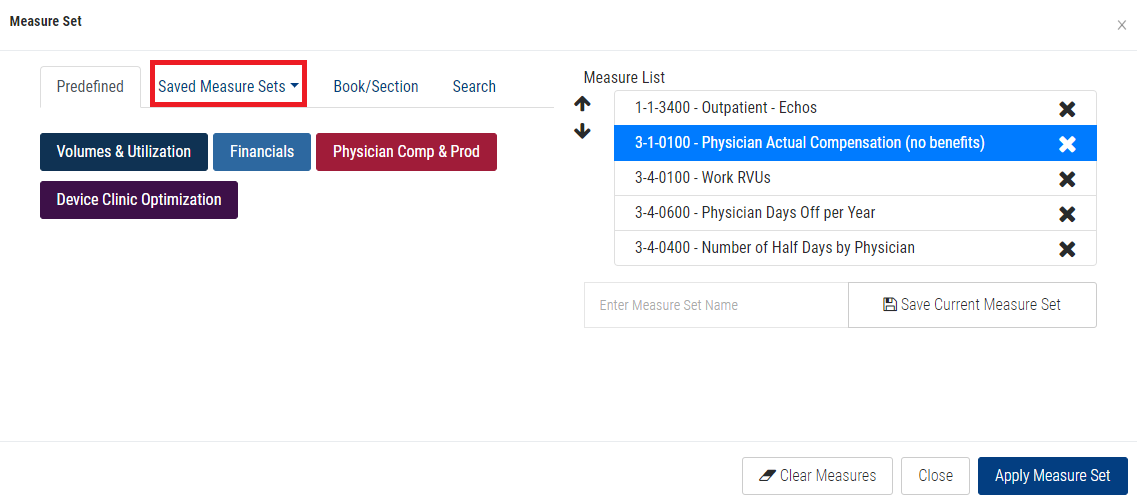
2. Click on the Saved Measure Sets drop menu.
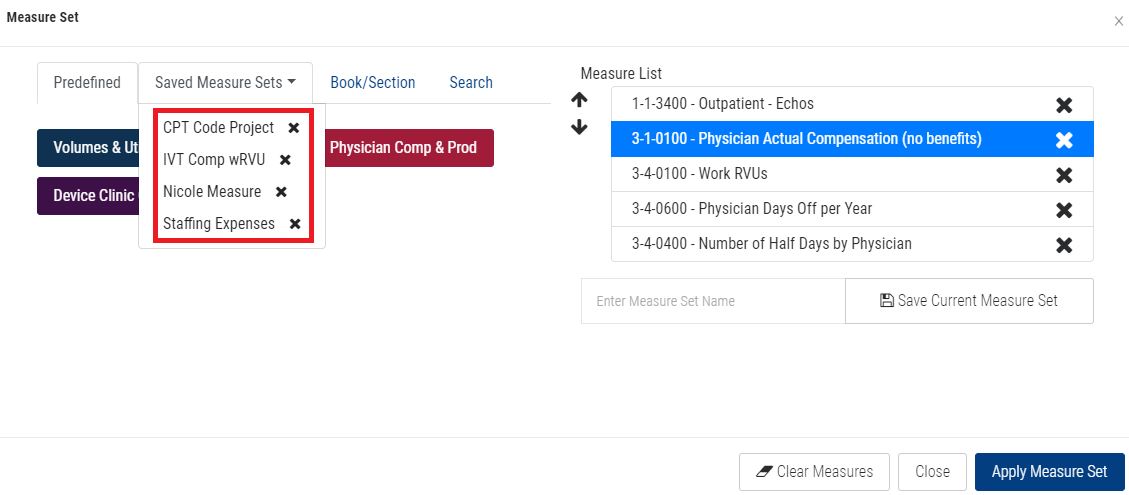
3. Click on one of your Saved Measure Sets.
Note: You should notice the measures added to your Measure List from your Saved Measure Set.
4. Click the Apply Measure Set button.
BENCHMARKING TAB VIDEO TUTORIAL: