FOR A VIDEO TUTORIAL OF THE BENCHMARKING SECTION, PLEASE SCROLL DOWN.
Note: Measure must be filtered before data will display in the Filter Table.
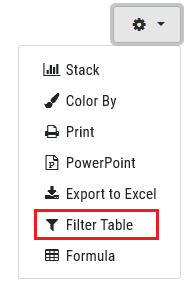
1. Click the Cog drop menu icon in the upper right corner.

2. Click the Filter Table option from the Cog drop menu.
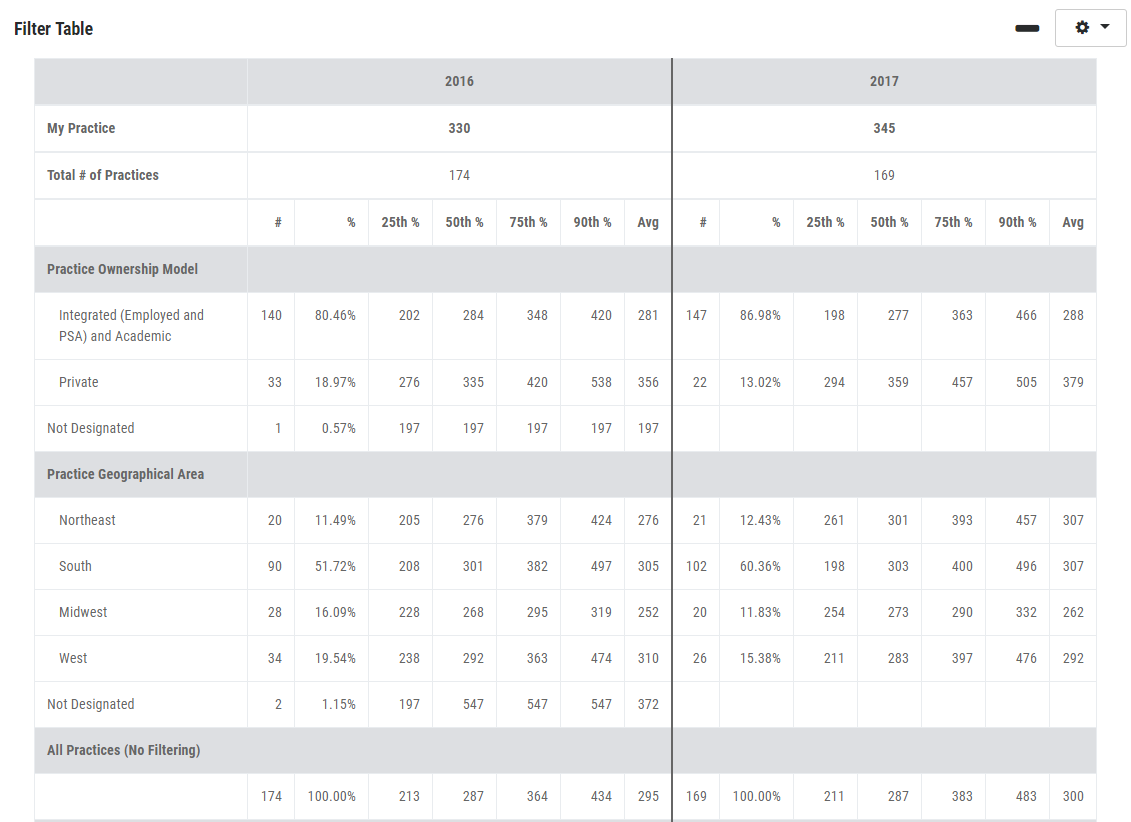
3. Your filter table details will display below the trending graph after you have clicked the Filter Table option.
BENCHMARKING TAB VIDEO TUTORIAL: