FOR A VIDEO TUTORIAL OF THE BENCHMARKING SECTION, PLEASE SCROLL DOWN.
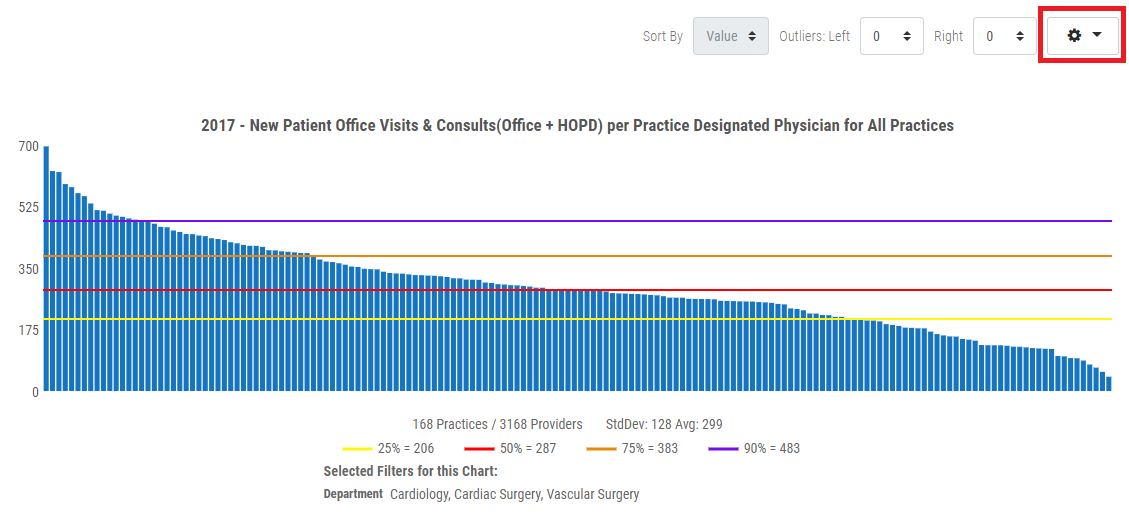
1. Click the Cog drop menu in the upper right corner of the benchmarking graph.
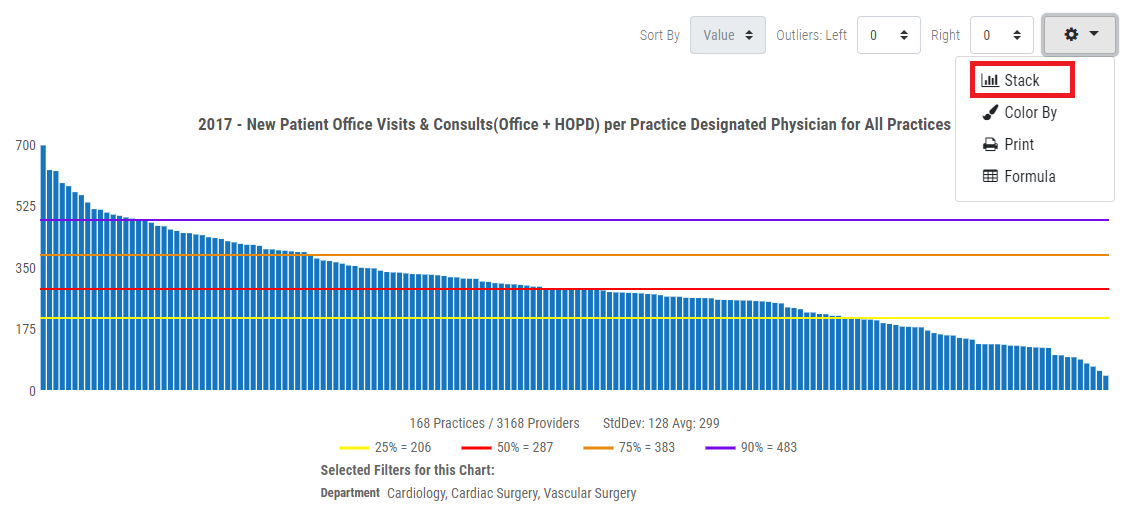
2. Click the Stack option from the Cog drop menu.
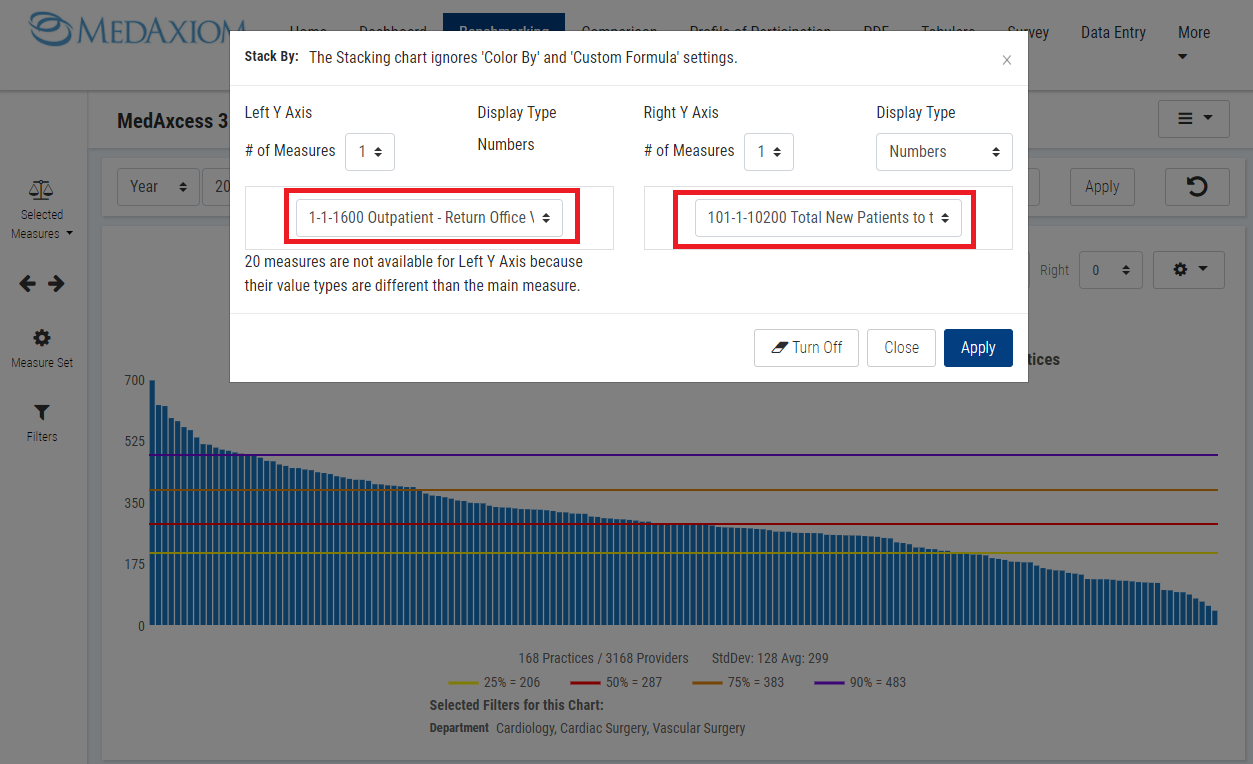
3. Select the number of measures you want to stack from the Left Y Axis and Right Y Axis.
Note: The Display Type for the Right Y Axis will only allow you to select measures with the specific display type.

4. Select your measure(s) from the Left and Right Y Axis drop menu or each drop menu if you selected more than one measure.
5. Click the Apply button.
Stacked measures results.

BENCHMARKING TAB VIDEO TUTORIAL: